Welcome!
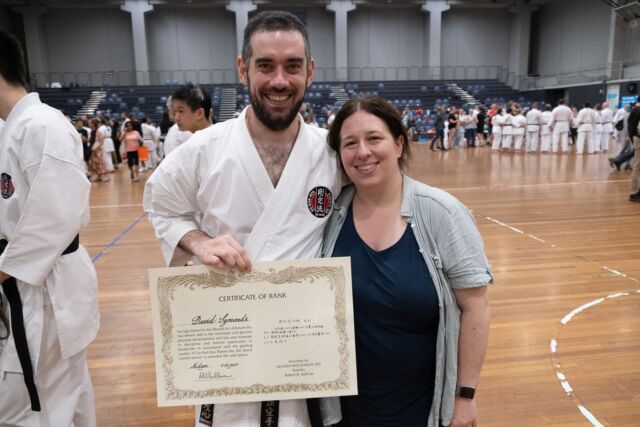
My name is Kristen, aka Kristarella. I’m currently on leave from Automattic with my first child, my son Mark. I have many interests and hobbies (🥋 📷 🧶 🎨 🎸 🎮), some of which you can read about in my blog posts below. For more frequent updates you can follow me on Instagram.
Blog
-

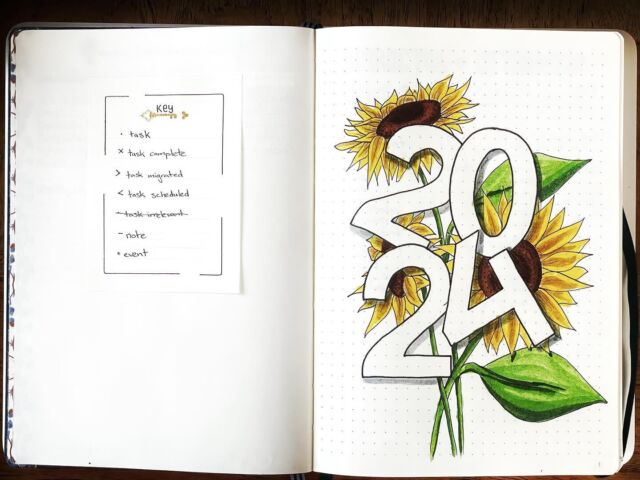
Bring on 2024
Read about my Bullet Journals and how I’m using the 2024 trifecta for a happier year!
-

The Voice Referendum
tl;dr vote yes I have been umming and ahhing over the referendum since before the date was set. When I first started looking into it there was very little information about it (that was easy to find). All I could find initially was the text of the constitution change, i.e., Chapter IX-Recognition of Aboriginal and…
-

Sistaco Nail Powder Review
Yep! I succumbed to the ads on Facebook and bought some Sistaco mineral bond nail powders. I wanted to see if it was as magic as it seems…
-

2020: the year that wasn’t
I have been reflecting on 2019 and how it set me up for this year. 2019 was wonderful, and at times really difficult. Before 2019 I was not a goal-setter; I had this sense that setting goals was an exercise in futility because there is so much we can’t control that can derail those goals.…